Edit your profile
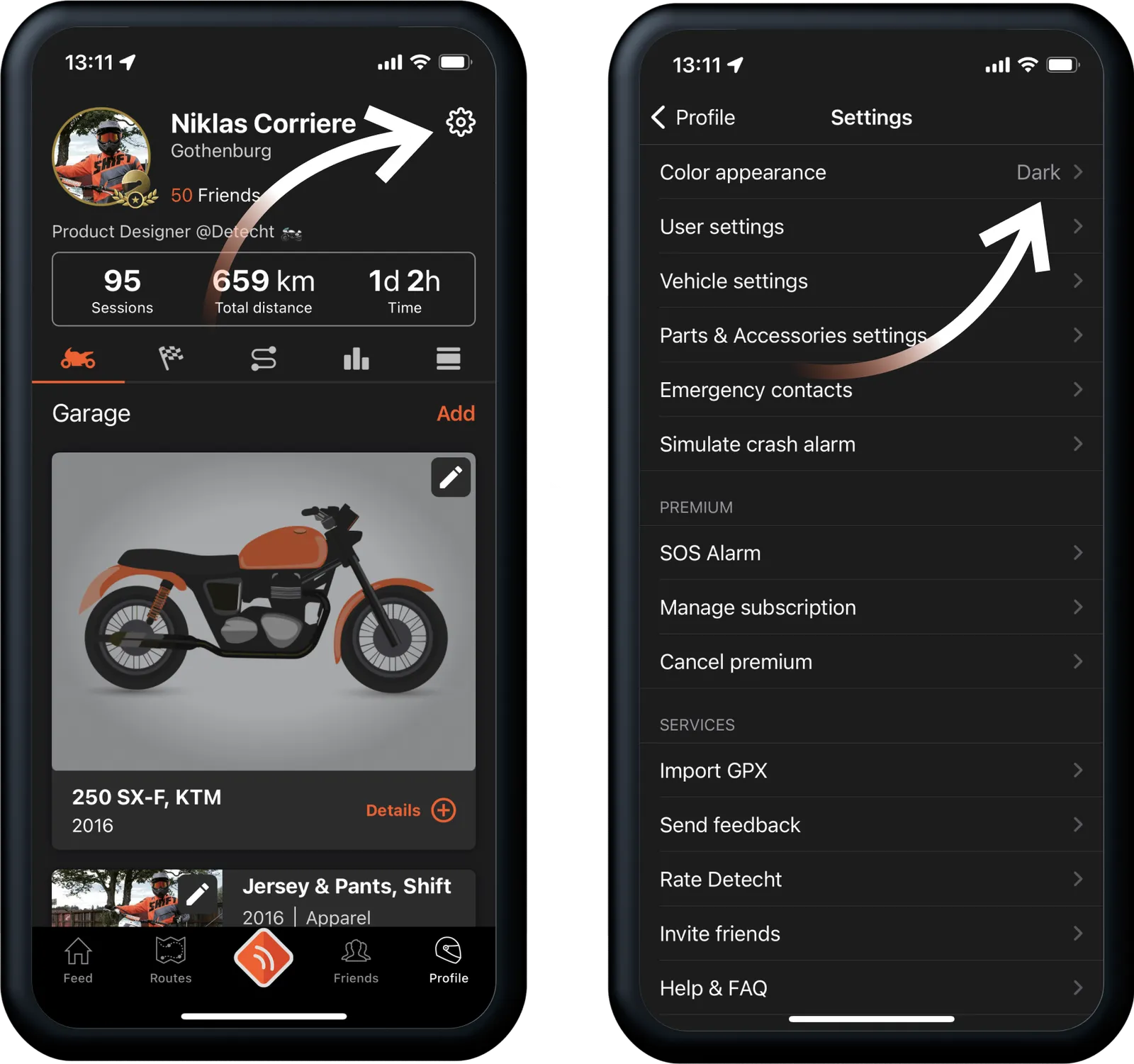
On your Profile page, tap the cog icon in the top right corner, then User Settings. Change what you want and tap Save.
What your profile shows
Your profile tells other riders what kind of motorcyclist you are. You can add:
- First name (required)
- Last name
- Profile picture
- City or region
- Biography
Edit your profile
- On the start screen, go to your Profile page.
- Tap Settings, the cog icon in the top right corner.
- Tap User Settings.
- Change the details you want. You can also switch your Distance Unit between kilometres and miles, and make your profile Public or Private.
- Tap Save in the top right corner.
Updated