Ride with directional guidance
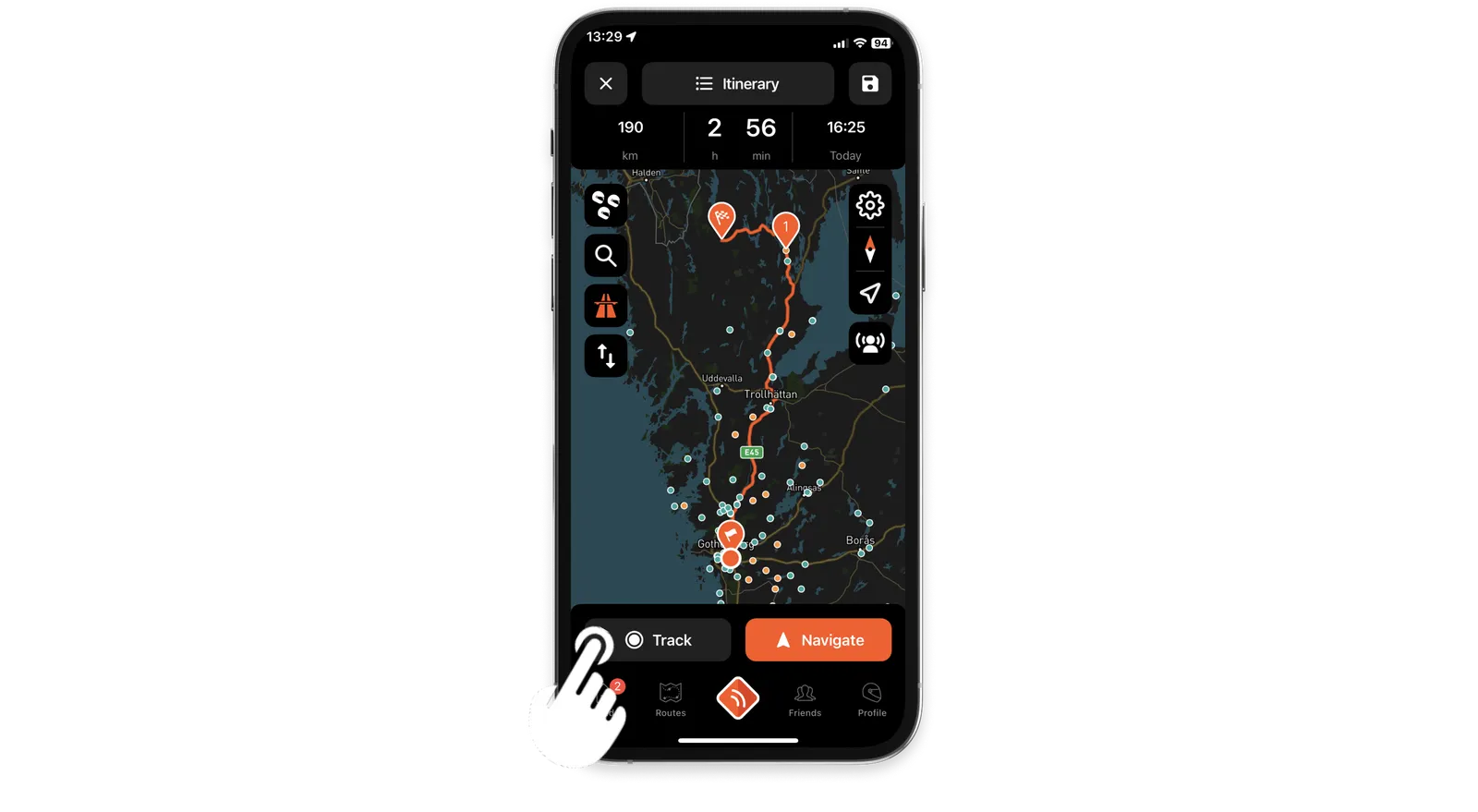
Place one or more waypoints on the map and tap Track instead of Navigate. Your waypoints stay on the map to keep you headed the right way.
Not every ride needs turn-by-turn directions. With directional guidance, you explore your own way and the map keeps you oriented toward your waypoints, without holding you to a fixed route.
Ride with directional guidance
-
On the map, place one or more waypoints. They're points to head for, not a route to follow turn by turn.
-
Tap Track instead of Navigate.
-
Ride your own way. Your waypoints stay on the map, and those off the screen show as markers at its edge.
Ride statistics, recording the ride and crash detection work as usual.
Switch to turn-by-turn directions
You can't switch during the ride. Stop tracking, then navigate the route instead.
Without a connection
Directional guidance works offline, as long as you placed your waypoints before you lost the connection.
Updated