Share a route
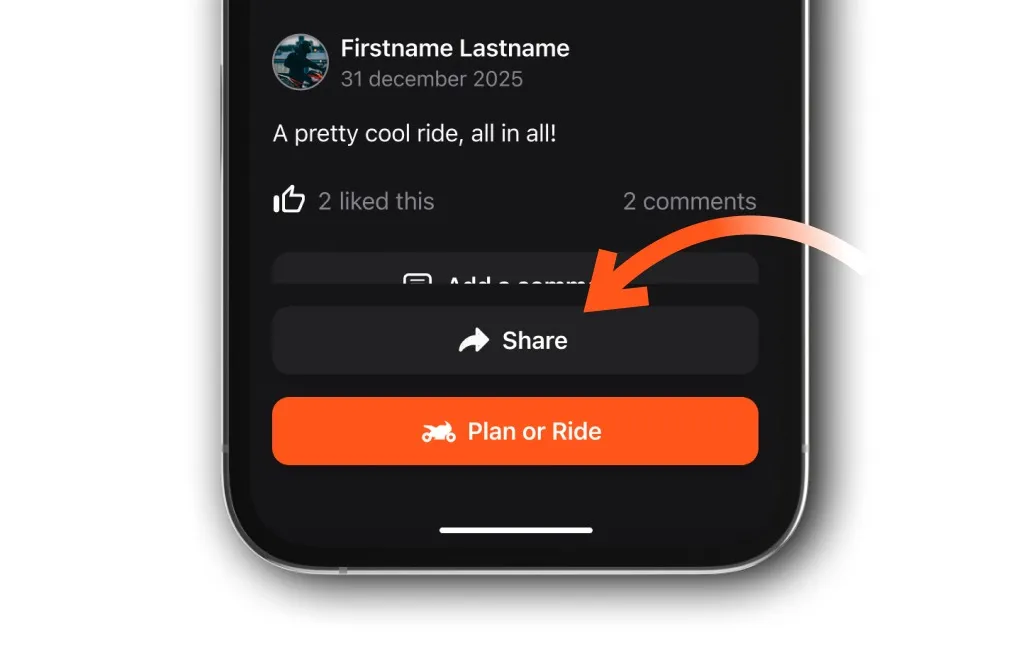
Open the route, tap Share at the bottom and choose where to send it. Your friends get a link to ride the same route.
Share a route you rode or planned so your friends can ride it too, or just show them where you've been. You can also share other riders' routes you find in the app.
Find the route
- Your tracked rides: on your Profile page, in the tracked rides tab, the checkered flag icon.
- Your planned routes: on your Profile page, in the planned routes tab, the route icon.
- Other riders' routes: tap Routes at the bottom of the screen and browse Discover.
Share it
-
Open the route.
-
Tap Share at the bottom of the route.
-
Choose where to share it: an app on your phone, or a friend in Detecht.
The people you share it with get a link to the route.
Updated