


Easily spot curvy roads on the map
Finding the most thrilling, twisty roads is now easier than ever with the Curvy Roads layer. This feature highlights curvy roads directly on your map, allowing you to quickly spot the curviest riding routes at a glance without having to zoom in and manually inspect every turn.
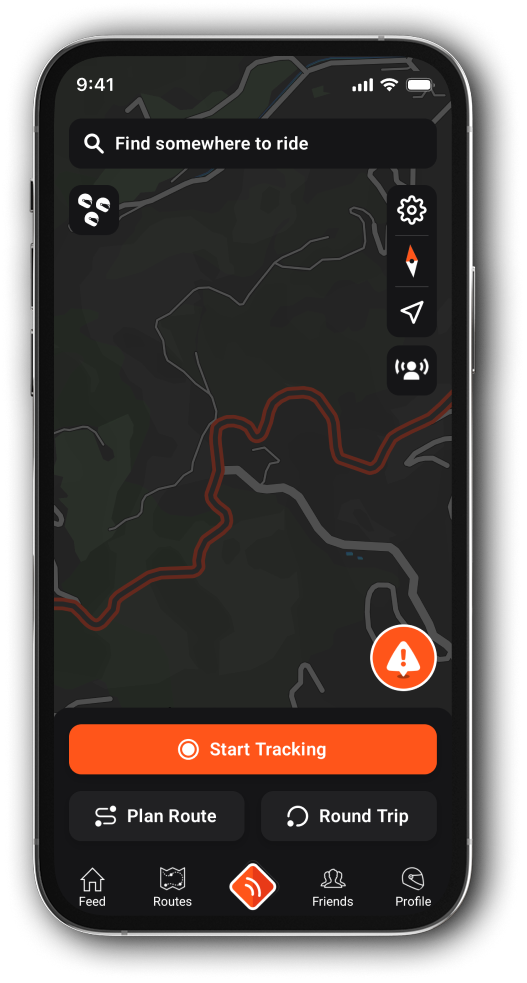
How to enable or disable the Curvature Layer:
The Curvature Layer is available exclusively for Premium users and is turned on by default. If you want to toggle it on or off, follow these simple steps:
On the Main Map View:
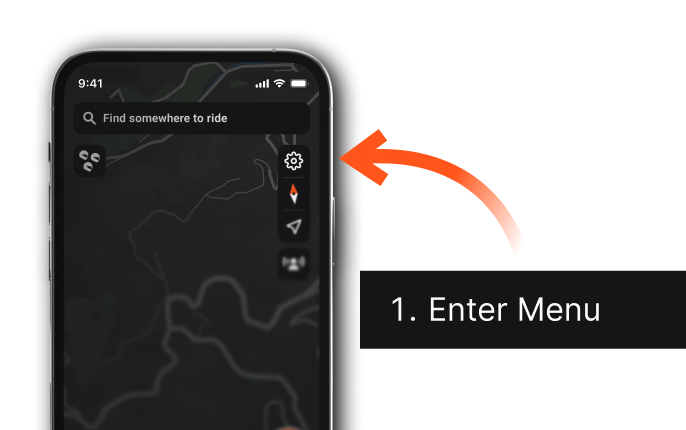
1. Enter meny by tapping the Map Settings icon.
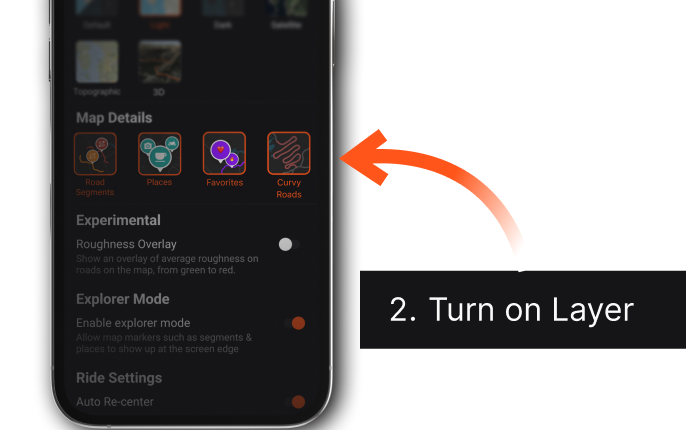
2. Toggle on Curvy Roads under the Map Details section (where you also find Places, Segments and Favorites).
3. Done!

Note: If you are using the free version of the app, tapping the toggle will give you the option to upgrade to Premium so you can unlock this and many other features.


